01Larrygram

DiagrammingPre-alpha
Draw the diagram.Keep the .vsdx.
Larrygram is a free, open-source diagramming app written in Rust. It opens, edits and saves Visio .vsdx drawings, with the layout you already know.
macOSWindowsLinuxWeb (planned)Free and open source
Larrygram is pre-alpha. It opens, edits and saves real files, but it is not ready for production work yet.See what works today
02Two layouts, one app
Work in the layout you already know.
Larrygram ships two complete layouts over one set of commands. Pick one in the welcome wizard and switch at any time from View or Options, without a restart.
In progressBoth layouts land with v1.0 alpha. Current builds switch between two command-bar layouts generated from published command data.
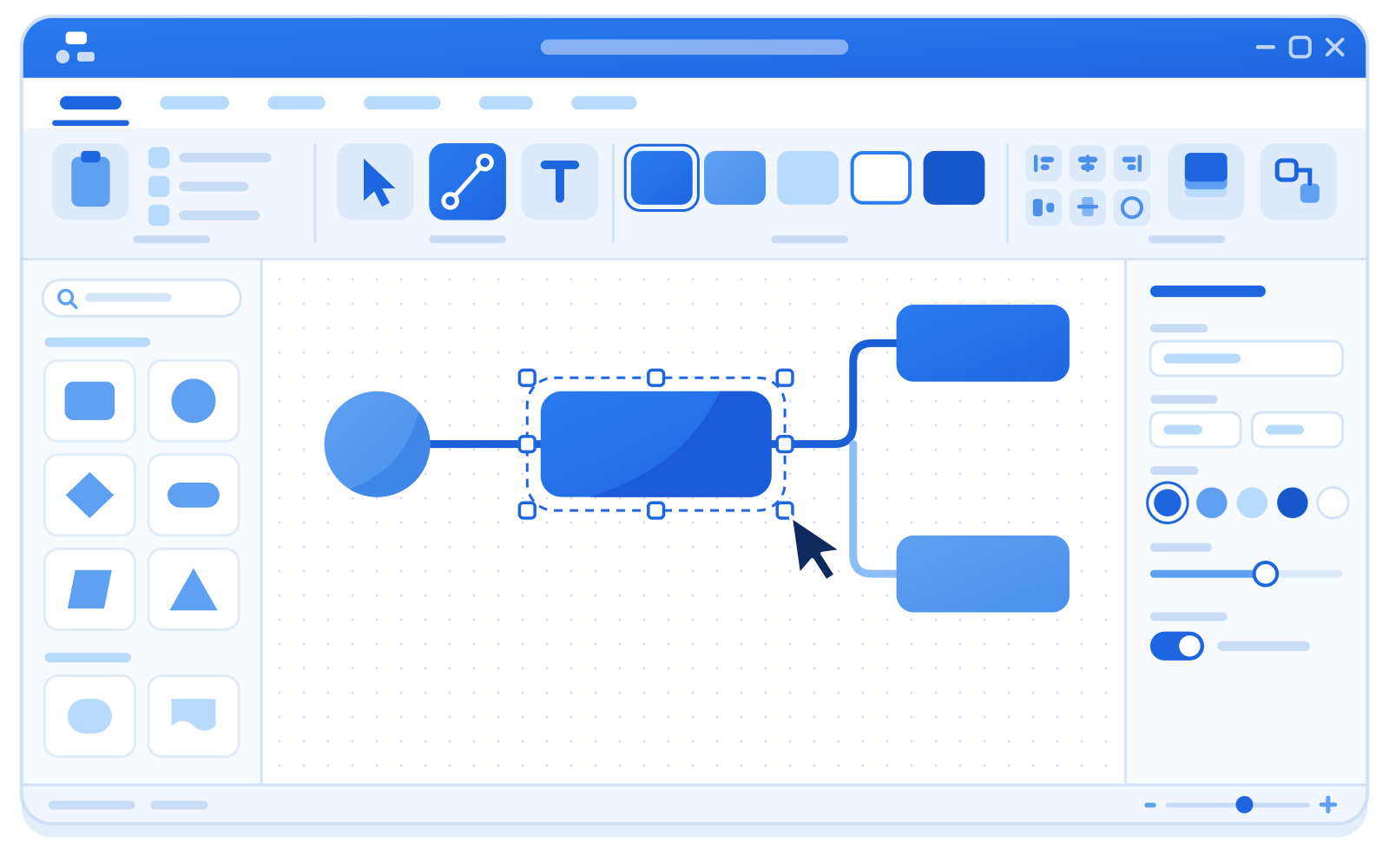
Panel Modern
Tabs group the commands: Home, Insert, Design, Data, Process, Review and View. Contextual tabs follow your selection, and a Quick Access Toolbar keeps Save and Undo one click away.
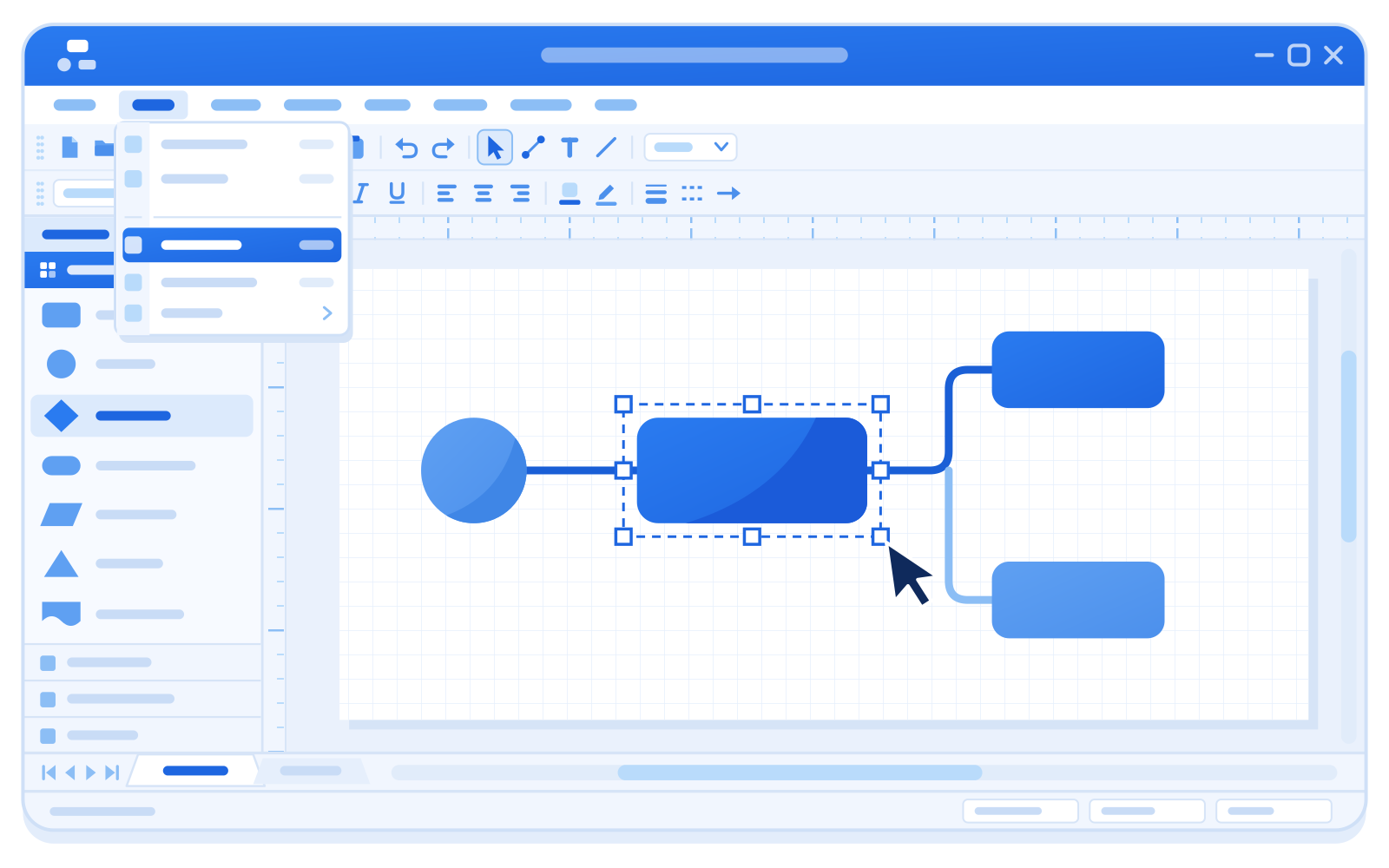
Panel Classic
A menu bar with access keys, Standard and Formatting toolbars docked below it, right-click menus and a docked Shapes window. Alt+F opens File, as you would expect.
03Highlights
What Larrygram does today.
Opens real Visio files
Open
.vsdxdrawings,.vssxstencils and.vstxtemplates. Save as.vsdx.Keeps what it does not understand
Reading and writing is lossless: parts of a file that Larrygram does not model yet are kept in place on save. Every file in the test corpus round-trips.
Connectors that stay connected
Dynamic connectors glue to connection points or shape outlines and re-route when you move shapes.
The editing you expect
Select, move, resize and rotate with handles and snapping. Group, align, distribute and reorder. Undo and redo every edit.
Original stencils
Basic Shapes and Basic Flowchart, 21 masters drawn for Larrygram. Drag them from the Shapes window onto the page.
PNG and SVG export
Export one page or every page as PNG or SVG, from the app or from the command line.
Clean room, pure Rust
Built only from public specifications and observed behavior. No Microsoft code, icons, fonts, stencils or templates.
Free and open source
MIT licensed. Read the code, file issues and send changes on GitHub.
04Screenshots
A look inside.
Real screenshots arrive with the v1.0 alpha builds.
05For scripts and agents
Inspect, render and export from the command line.
larrygram-cli reads a drawing and prints a summary, renders a page, or exports every page as PNG or SVG. It uses the same command registry as the app, so scripts and CI see the same behavior.
inspectprints pages, masters, styles and themes, as text or JSON.renderwrites one page at any scale, with an optional background.exportwrites every page into a folder.- Clear exit codes, and
--strictturns warnings into failures.
PlannedAn MCP server and a JSON control channel for AI agents are planned.
CLI referencelarrygram-cli inspect flowchart.vsdxlarrygram-cli render flowchart.vsdx --out page-1.svglarrygram-cli export flowchart.vsdx --out pages/ --format png --scale 19206Get Larrygram
Build it today. Installers come with the first release.
Larrygram has not published a release yet. The first one will be 1.0.0-alpha.1. Until then, build it from source with Rust in a few minutes.
- Recommended for you
macOS
Desktop app
Not released yetBuild from sourceOther files
No files yet. Build from source in the meantime.
- Recommended for you
Windows
Desktop app
Not released yetBuild from sourceOther files
No files yet. Build from source in the meantime.
- Recommended for you
Linux
Desktop app (X11 and Wayland)
Not released yetBuild from sourceOther files
No files yet. Build from source in the meantime.
Release
No release published yet · 1.0.0-alpha.1
- All releases
- SHA-256 checksums: Not released yet
- Web build: Planned
Build from source
You need Git and Rust. The repository pins the toolchain, so rustup installs the right version on the first build.
Full instructions and common errors# Get the codegit clone https://github.com/aprajnaparamita/larrygram.gitcd larrygram# Build and start the desktop appcargo run --release -p larrygram
07Why “Larrygram”
Named for Larry Jeffus.
Larry is an engineer who began life with severe dyslexia. He could not read, and he went on to write more than 40 books and teach hundreds of thousands of students. He makes his engineering designs in diagramming apps, so his niece made one and named it for him.
Read Larry’s story08Help build it
Larrygram is built in the open.
Report bugs, test drawings from your own work, improve the docs or pick up an issue. Every contribution is welcome.